01 / 03
Start with packed weight and outside dimensions
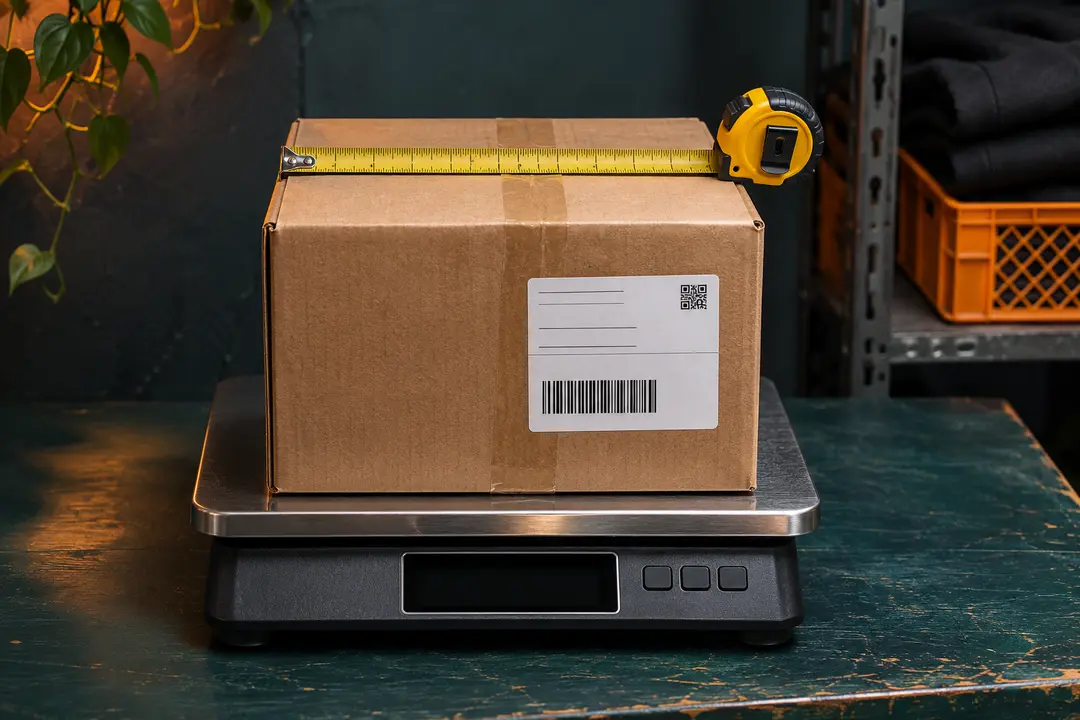
Confirm which items you plan to ship together. Use the weight and dimensions of the packed parcel when you have them, including the box and padding. A product listing’s item weight is only a starting point.
For example, if the packed box weighs 1.8 kg and measures 34 × 25 × 14 cm, enter 1,800 in a grams field. Use the outside box measurements if the estimator asks for dimensions.
02 / 03
Compare routes using the same inputs
Select the destination and enter the same weight, dimensions, and item type for each comparison. Check the available shipping lines, estimated charge, and any restrictions that apply to the parcel contents.
Look at how each route bills weight. A bulky box can have a higher billable weight on a route that uses parcel dimensions, even when the scale weight is the same.
03 / 03
Check the final charge before paying
Run the estimate again if the warehouse measurement, packing, or destination changes. Review the current parcel summary, route, and final charge in your account before paying.
If the charge is different from your estimate, compare the two sets of inputs first. Bring the parcel reference and the figures you entered if you need to ask ZentBuy for help.
We may earn a referral fee.
Register with ZentBuy