01 / 03
Start with the item you have in mind
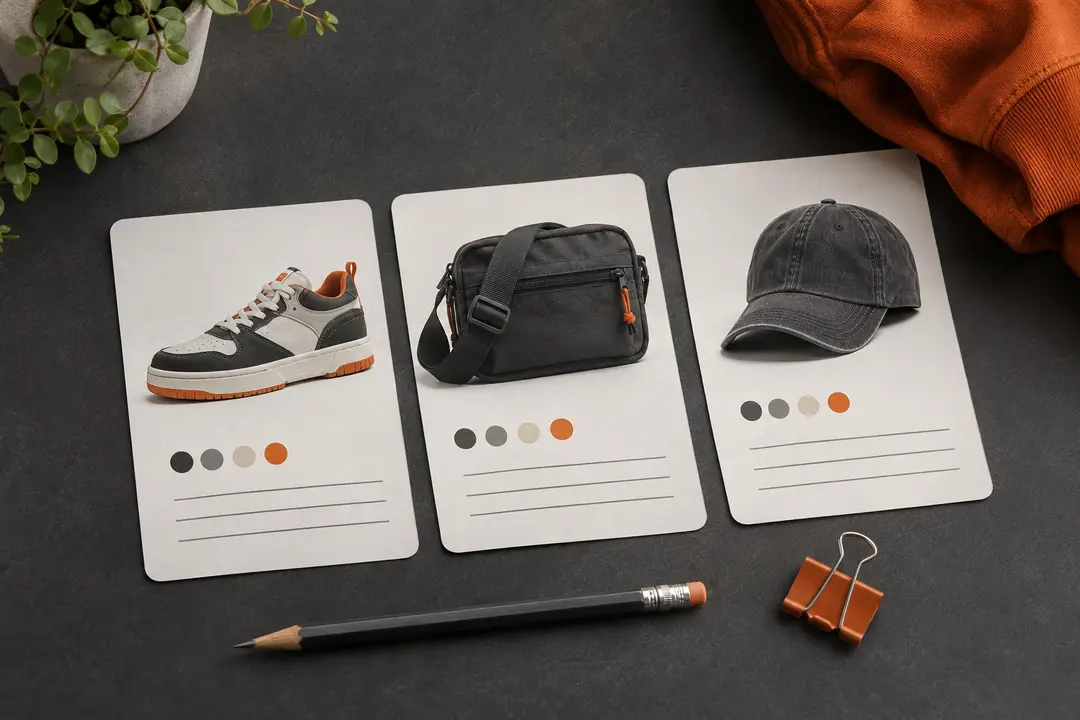
Choose the category closest to the item's main use or type. If you are browsing without a specific target, begin with 🔥Top🔥 and move to a narrower lane once you know what you want to compare.
Some finds can fit more than one category. Treat the category name as an organizing cue, then check the actual listing details before deciding what the item is.
02 / 03
Broaden the browse when needed
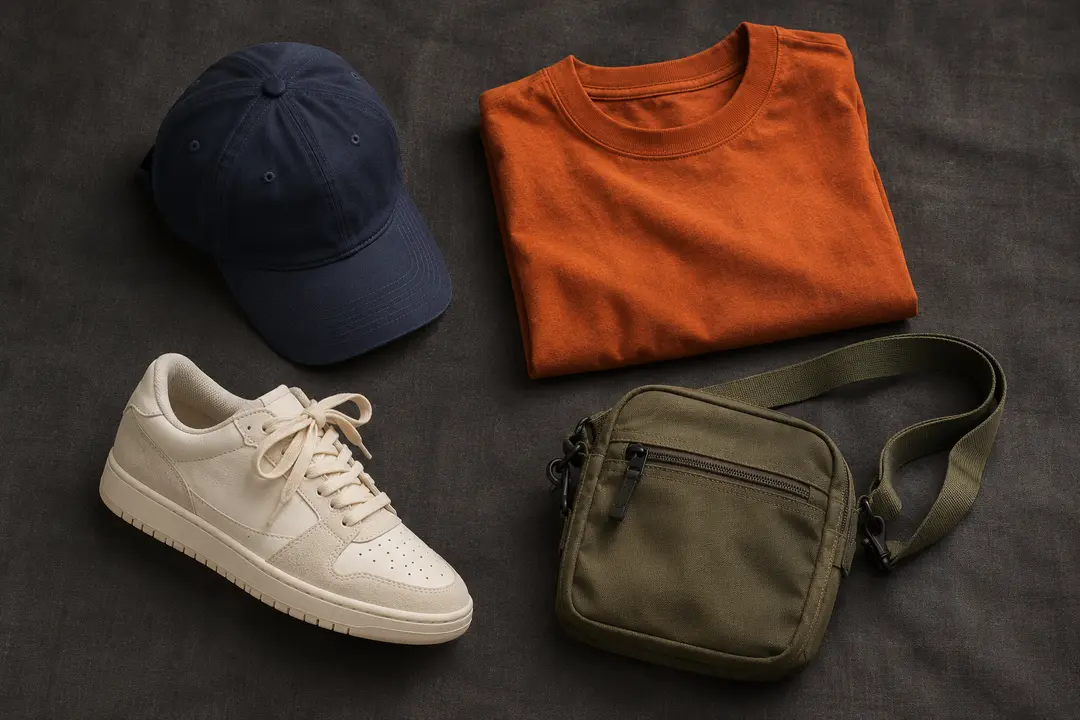
If a category feels too narrow, try a broader clothing or accessories lane. Use Other for items that do not fit the main groups, and revisit nearby categories when the distinction is not obvious.
A category is only a starting point. Photos, titles, and available options on the current listing give the detail needed to compare similar items.
03 / 03
Compare the current listing
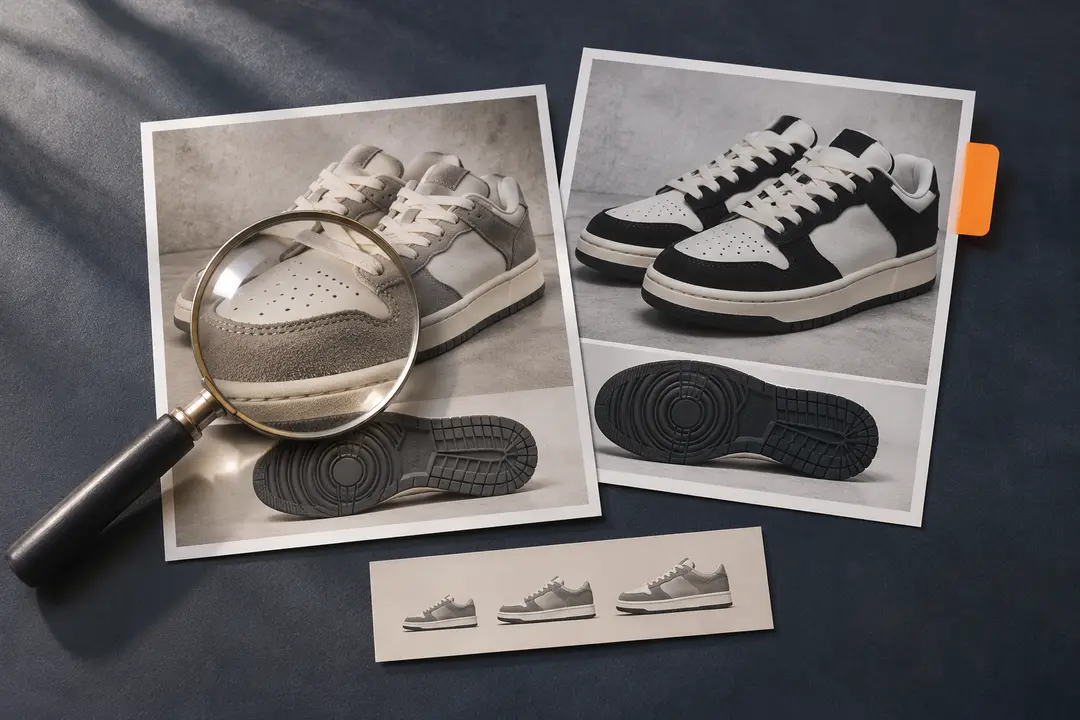
Before you save a find, check its title, photos, color or size options, and any measurements that matter to you. A category label cannot confirm fit, materials, authenticity, availability, or seller quality.
Prices and listing details can change. Recheck the live page before taking the next step.
We may earn a referral fee.
Register with ZentBuy