01 / 03
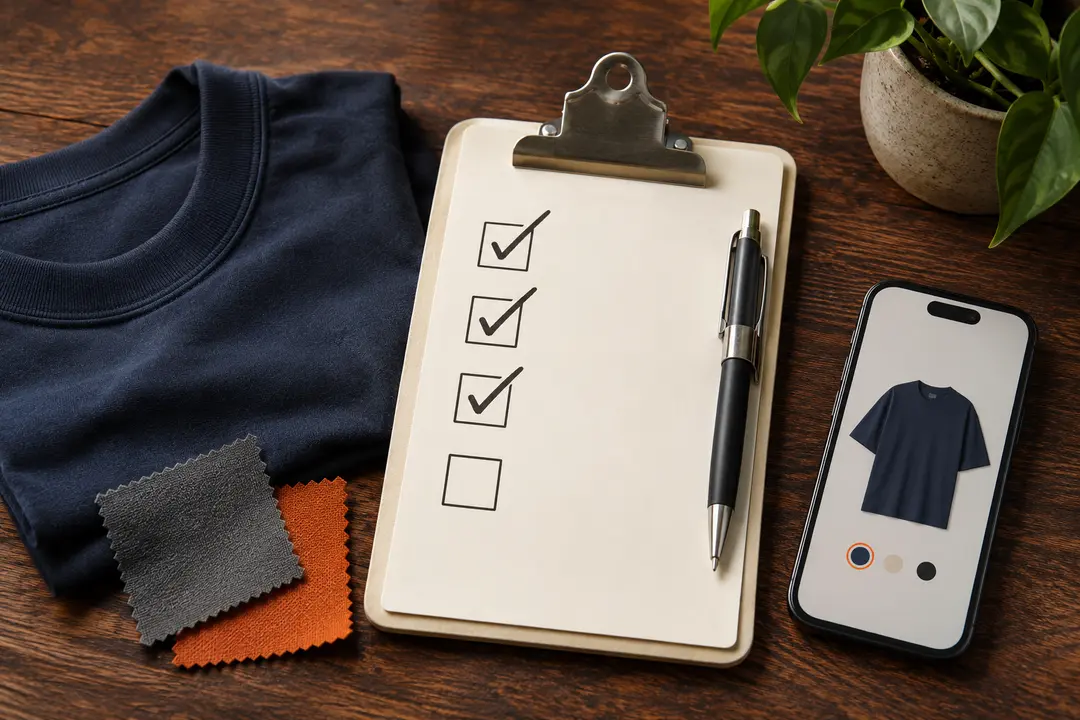
Match the exact item and variation
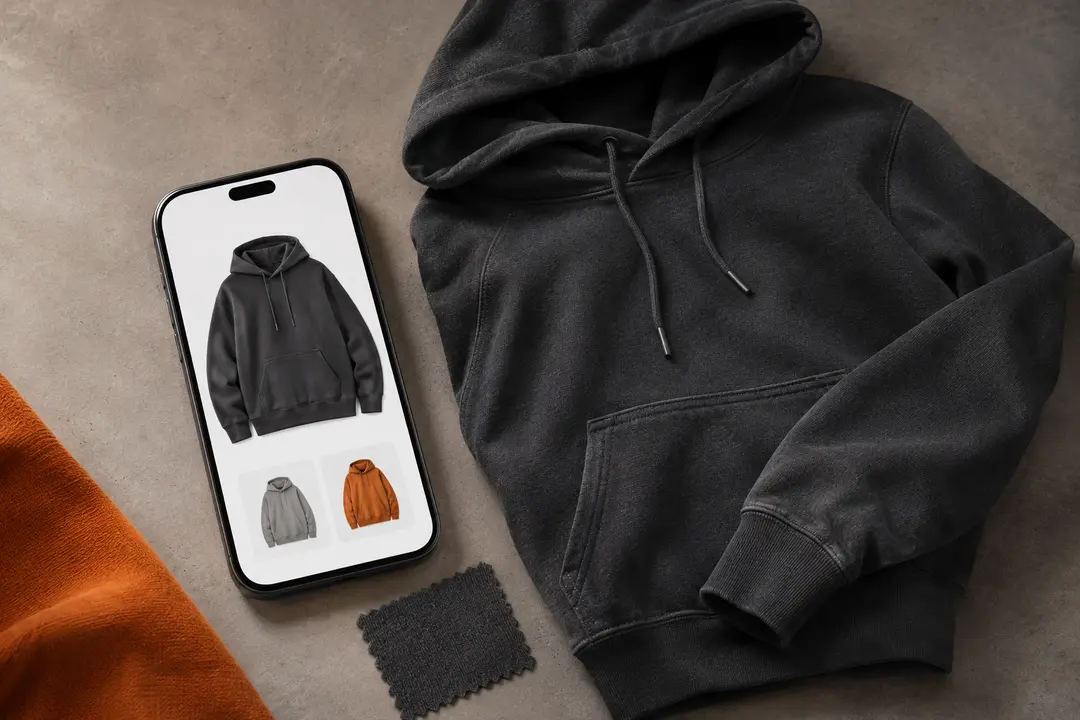
A spreadsheet link can open a listing with multiple colors, sizes, bundles, or versions. Check the selected option carefully. A thumbnail may represent a group of variations rather than the exact item you intend to choose.
Read the title, option labels, and any seller notes together. If the listing is unclear, do not rely on the spreadsheet row alone; confirm the selection on the source page or ask ZentBuy through its official help route.
02 / 03
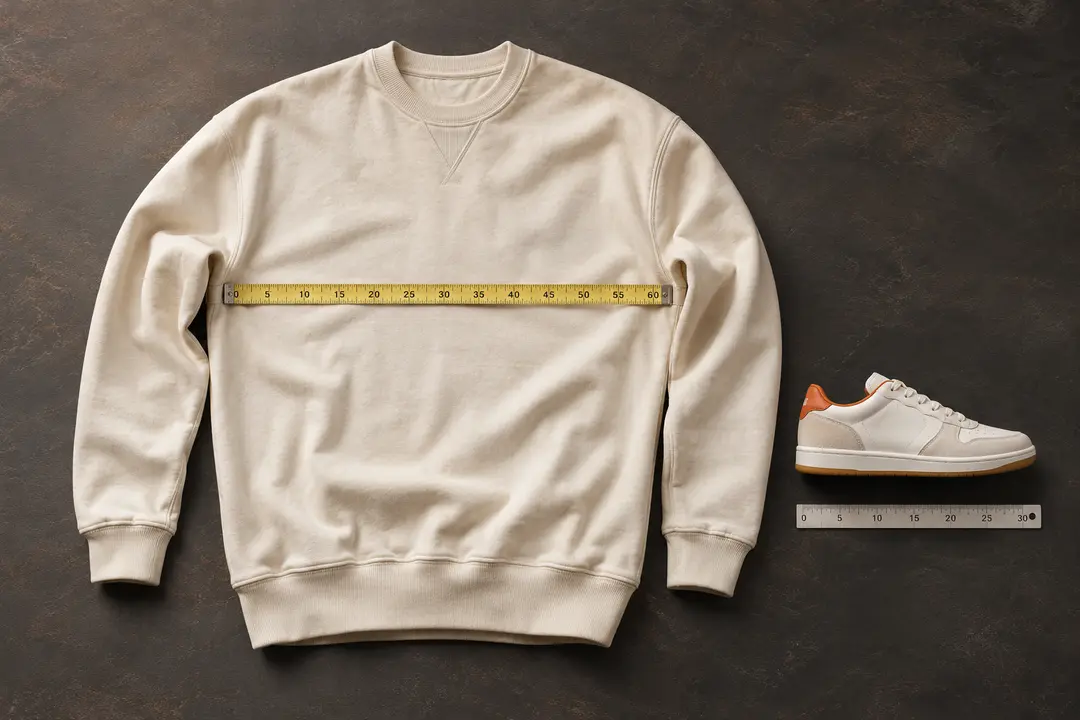
Use measurements instead of guessing
For clothing, compare the listing’s garment measurements with a piece you already own. Check which points are measured, the units used, and whether the chart describes body size or garment size. For shoes, verify the size system and any foot-length guidance shown on the listing.
Fit can vary by cut, material, and seller. A familiar label such as S, M, or EU 42 is not enough on its own to confirm how a particular item will fit.
03 / 03
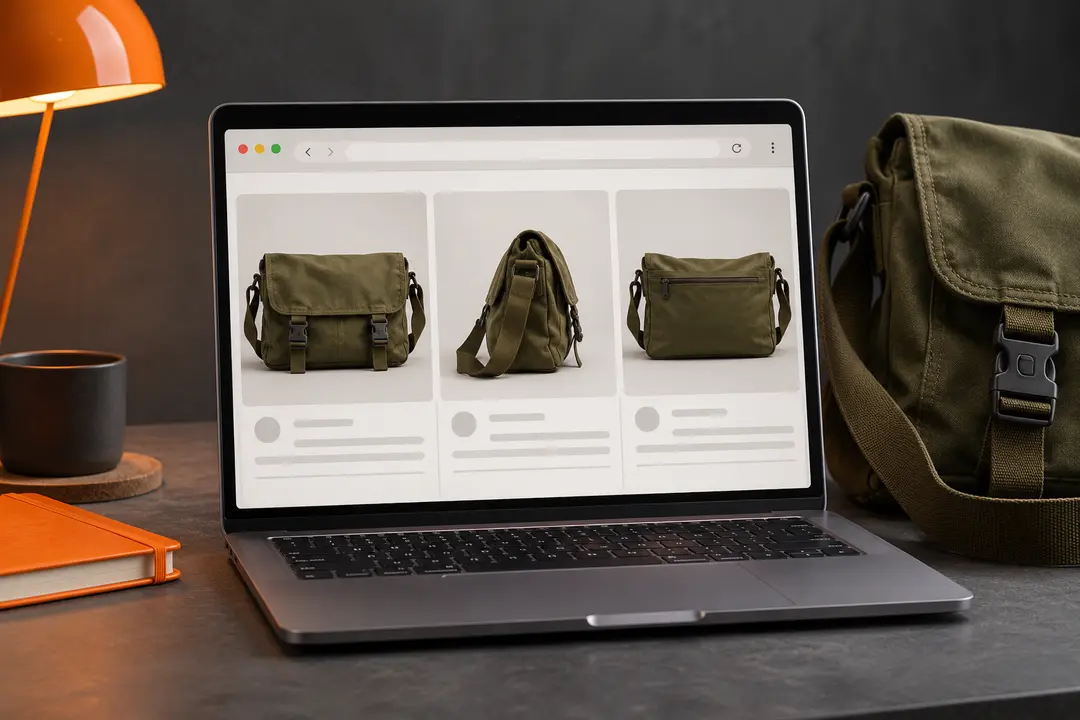
Recheck live details before proceeding
Availability, options, price, and listing content may change after a row was added to the spreadsheet. Confirm all of them on the live source listing before ordering. This website does not validate individual sellers or guarantee that an item is authentic, available, or suitable for you.
We may earn a referral fee.
Register with ZentBuy