01 / 03
1. Match the exact item and option
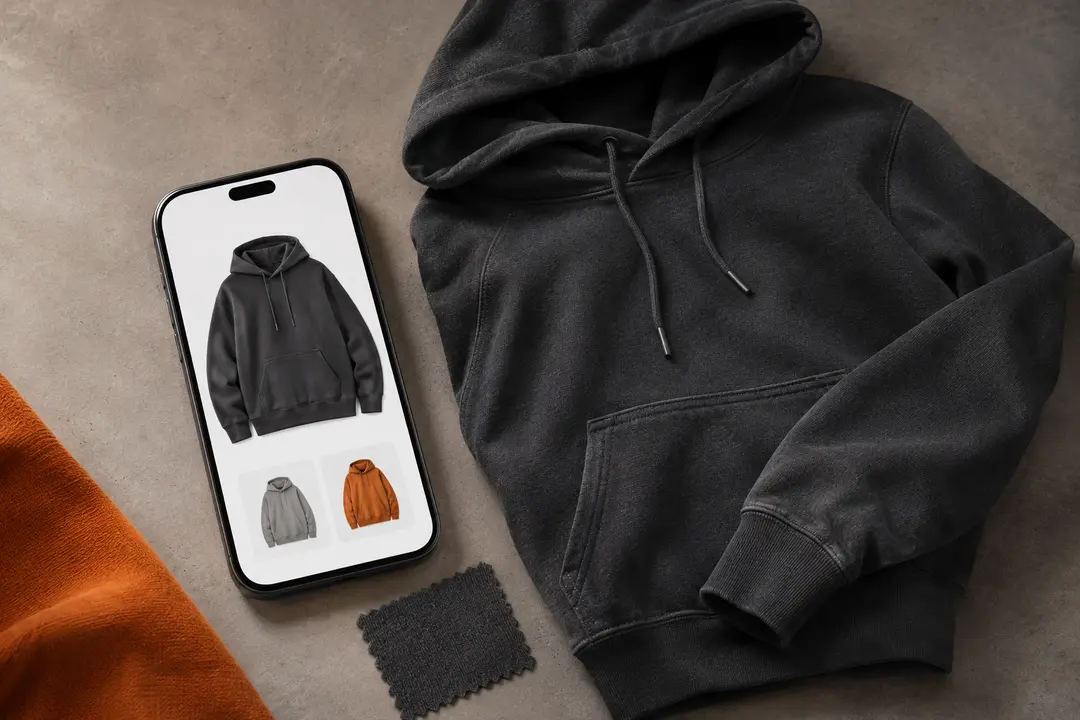
Open the live source listing and confirm that its photos and description match the row you followed. Then check the exact color, size, model, bundle, or other option selected. A listing photo can represent several variations, so do not treat the thumbnail alone as confirmation.
If options are unclear or missing, pause and ask through ZentBuy’s current support route before continuing.
02 / 03
2. Check measurements and current details
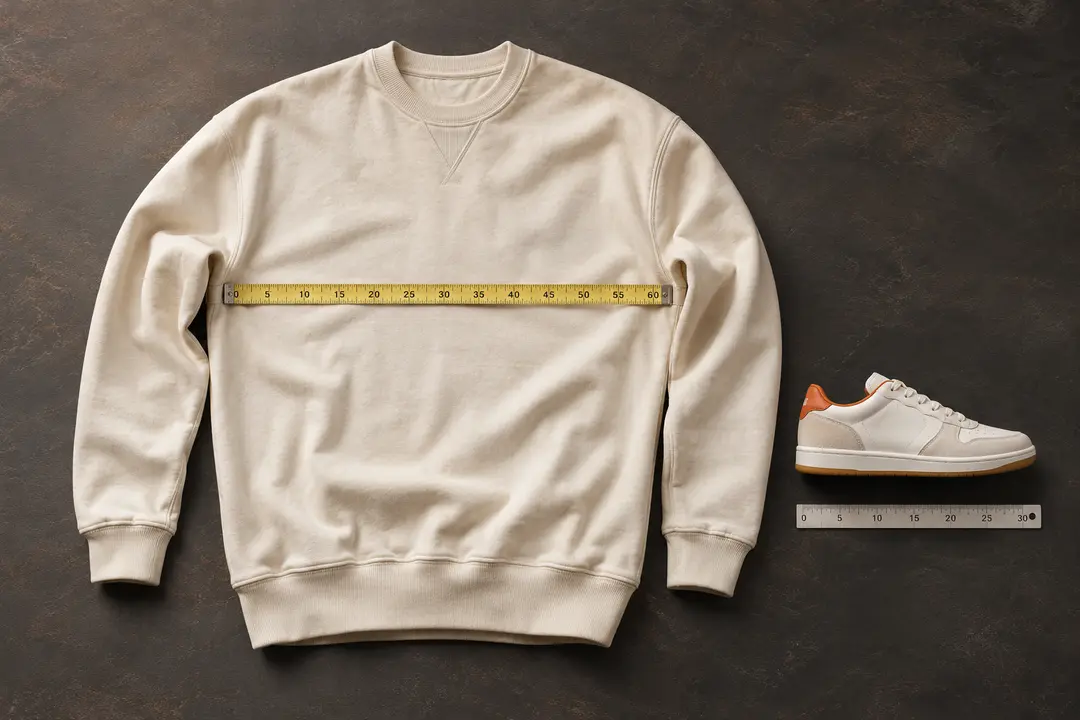
Compare the seller’s measurements with a garment or shoe that fits you well. Confirm the unit and the measuring points, then check any product notes that affect the fit or use. Size labels alone are not a reliable comparison across every listing.
Recheck the live price, availability, listing details, and seller information immediately before ordering. A spreadsheet entry is a pointer, and its details may no longer be current.
03 / 03
3. Know which step comes next
Read ZentBuy’s current ordering instructions in your account and check the terms that apply to the item. The spreadsheet site does not place the order, confirm a seller, or promise a particular inspection, return, or refund outcome.
If you are unsure about a listing or a service rule, get an answer from the relevant seller or ZentBuy before paying. Keep the product link and the exact option details available when you ask.
We may earn a referral fee.
Register with ZentBuy