01 / 03
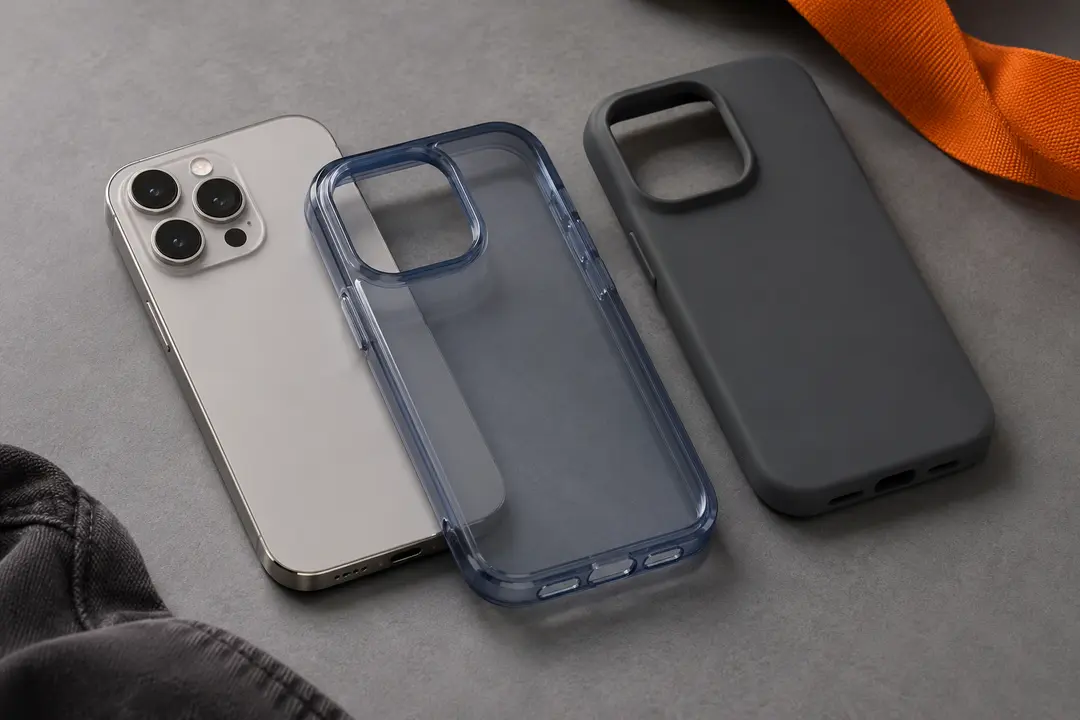
For phone cases, match the device model exactly
Read the listing’s compatibility options and compare them with your phone’s full model name. Similar-looking devices can differ in dimensions, camera placement, or button layout, so a family name alone may not be precise enough.
Check the selected model in the option menu before continuing. If the model or generation is not listed clearly, ask the seller rather than assuming a case will fit.
02 / 03
Check what the accessory listing includes
Look for the listing’s description of included pieces, dimensions, colors, and any bundles. A photo may show several accessories together even when the selected option includes only one item.
Compare written option labels with the selected variation and the current photos. If the listing is ambiguous, keep the link and ask for clarification before ordering.
03 / 03
Treat the spreadsheet as a starting point
A row may help you find a phone case, hat, belt, socks, jersey, or other accessory, but it does not confirm current compatibility, stock, price, or seller details. Verify the live product page each time.
If a product link has moved or no longer shows the expected item, use the link troubleshooting guide and avoid relying on an outdated screenshot or cached description.
We may earn a referral fee.
Register with ZentBuy