01 / 03
Use the category as a starting point
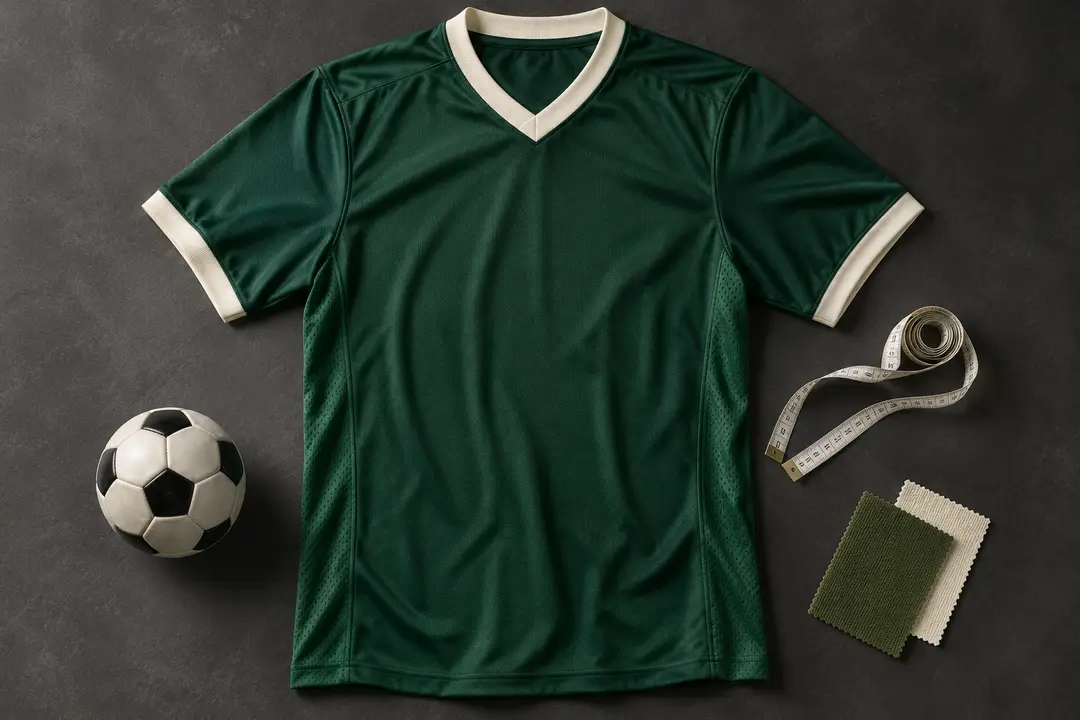
The ZentBuy Spreadsheet includes clothing sections such as Shirts / Singlet, Pants / Shorts, Hoodie / Sweater, and Puffer / Jacket / Vest. Pick the section closest to the item you are researching, then read the row’s headings and notes before opening a product link.
Category names help you orient yourself; the seller’s live listing determines the current colors, options, materials, and measurements. A shortened row title may not describe every variation available.
02 / 03
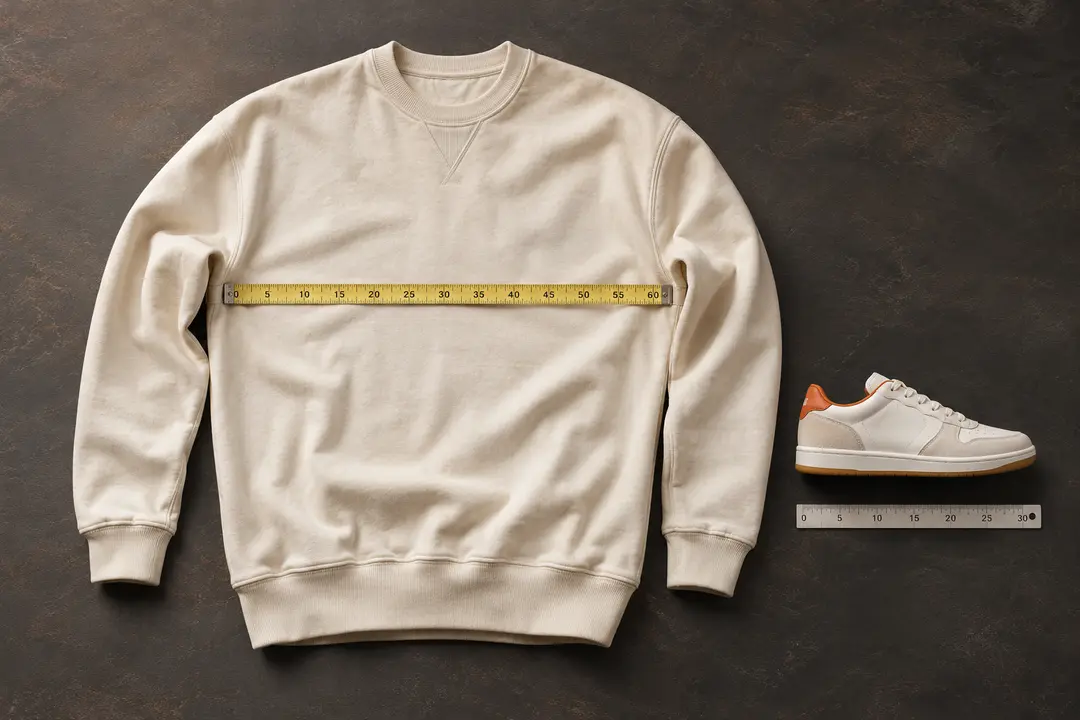
Compare garment measurements
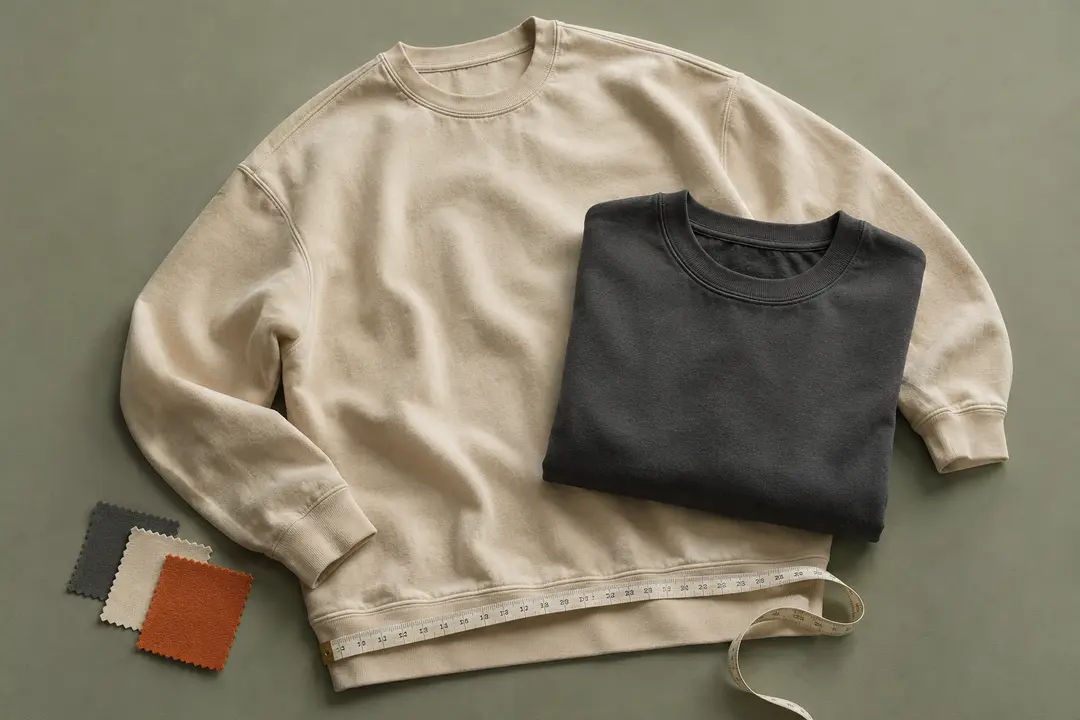
Measure a similar garment that fits the way you like and compare the same points shown in the listing chart—such as chest width, body length, shoulder width, waist, or sleeve length. Check the units and whether the chart describes the garment or the person wearing it.
Do not choose by a familiar S, M, or L label alone. Cut, construction, fabric, and seller sizing can differ, and this directory cannot predict how a particular piece will fit.
03 / 03
Review option details before you move on
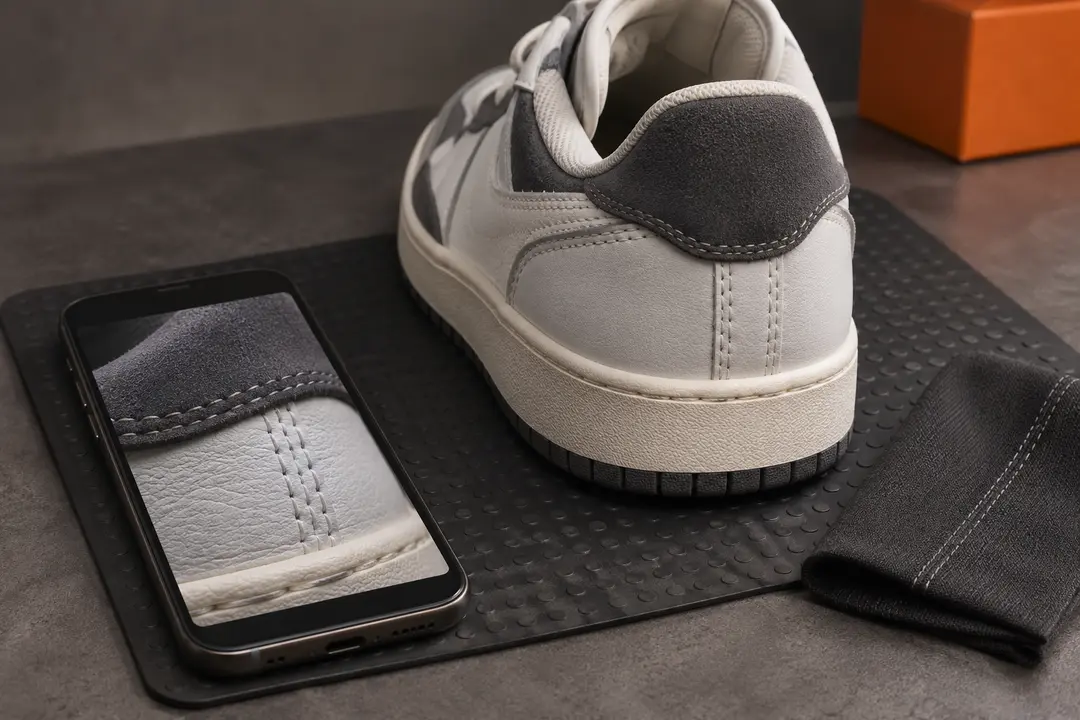
Confirm the selected color and size in the listing, and reread any notes tied to that option. Product photos can show a different color or version from the one selected in a dropdown.
If the listing’s wording, measurements, and images do not line up, pause and ask for clarification through the appropriate seller or ZentBuy support channel before placing an order.
We may earn a referral fee.
Register with ZentBuy