01 / 03
Start with the exact model and variation
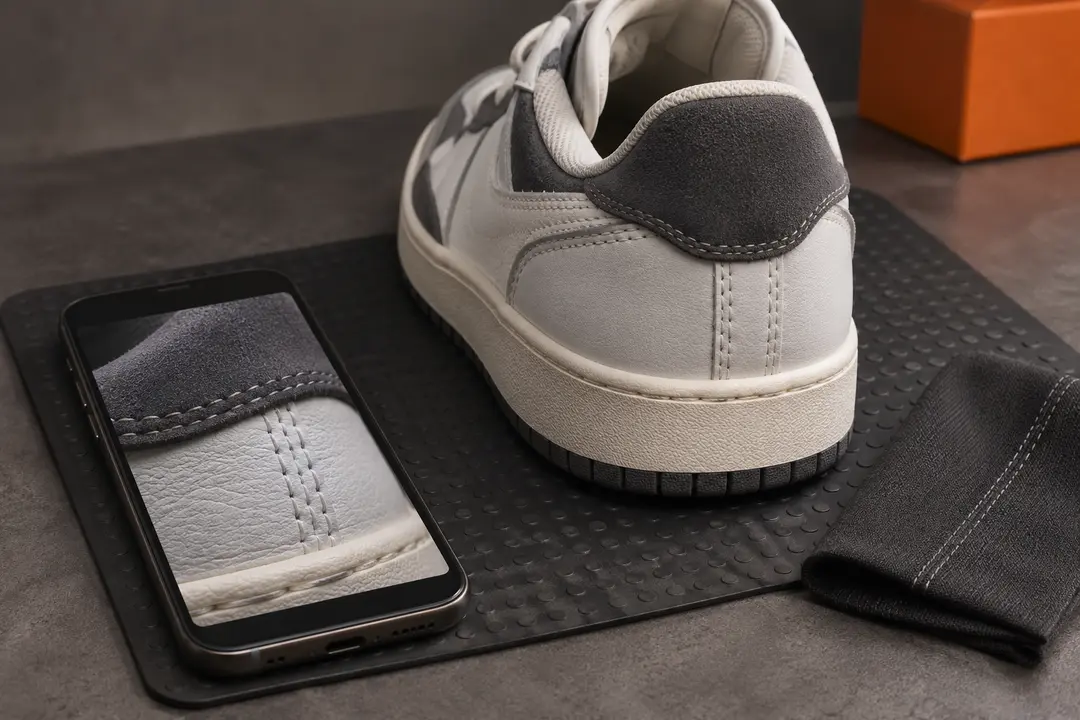
Use the row and product link to identify the listing, then compare its title and images with the shoe you meant to find. Check colorway, model name, bundle, and any version or material notes the seller provides. A spreadsheet title may be shortened, so the live listing is the final reference.
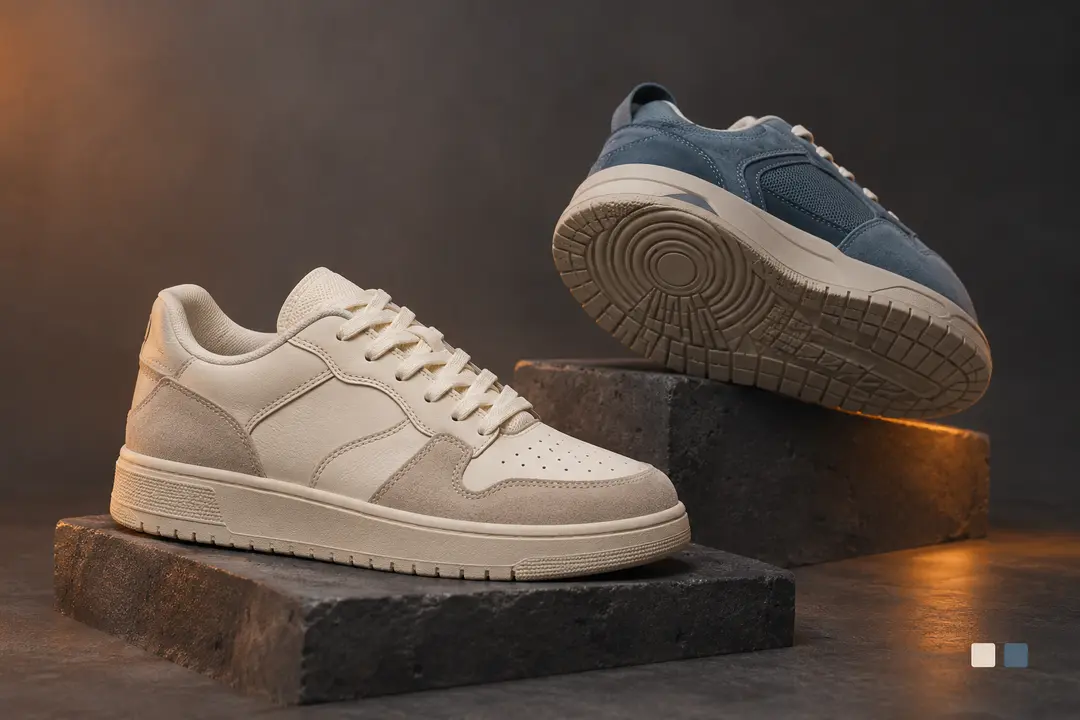
When a listing shows several options, open the option selector and read each label. Do not assume the first photo, default option, or spreadsheet thumbnail represents the variation you want.
02 / 03
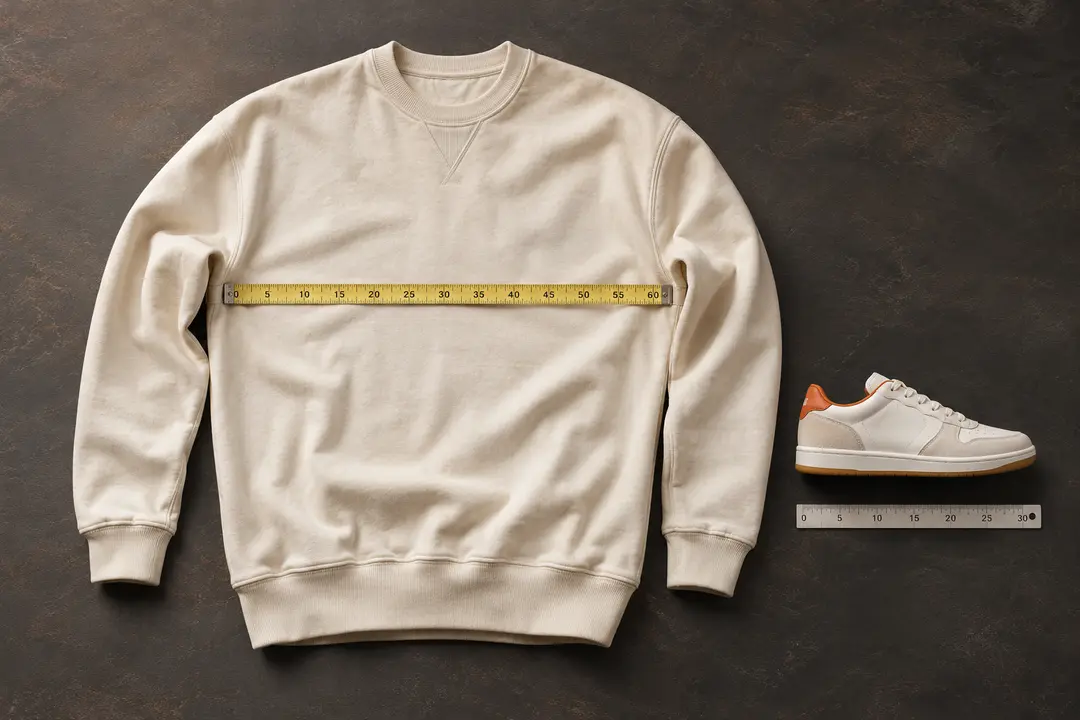
Check the size information that listing uses
Look for the seller’s current size chart and follow its measurement instructions. Confirm whether it uses foot length, regional sizing, or another reference, and compare the numbers with a pair that fits you comfortably.
Size conversions are not universal across brands and sellers. If the chart is missing or the unit is unclear, ask for clarification before ordering rather than relying on a remembered conversion.
03 / 03
Make a shortlist from live details
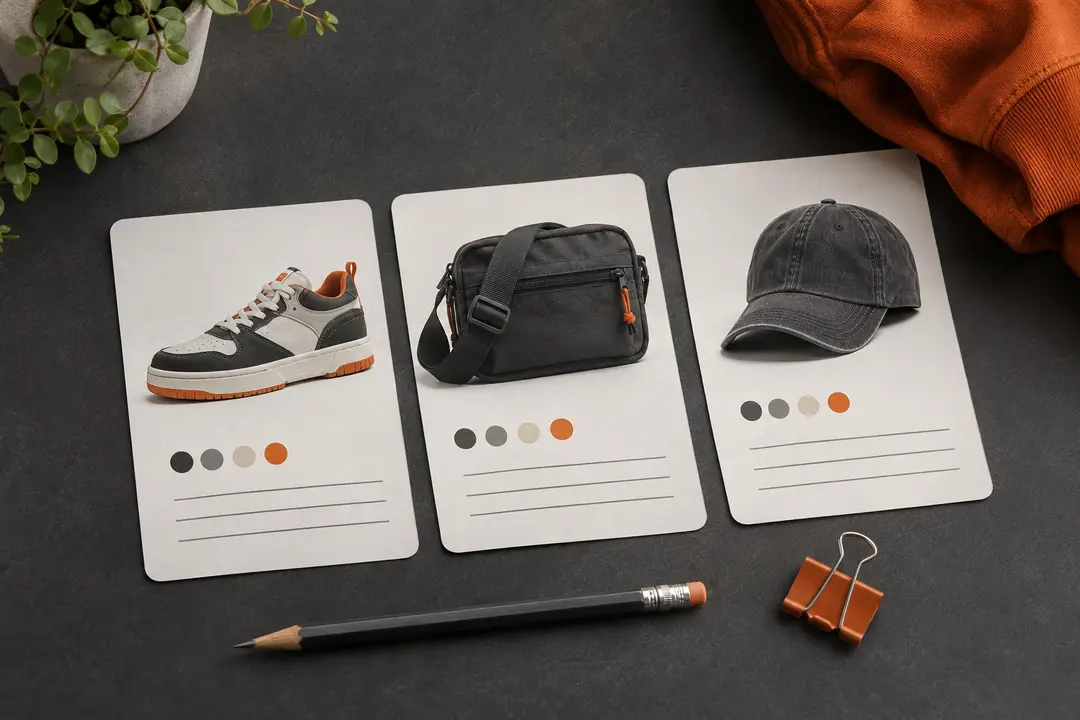
Compare the listing photos, option names, measurements, and seller notes while they are open. Save the source link for the exact option you are considering so you can check it again before continuing through ZentBuy.
The directory does not authenticate shoes or confirm stock, price, or seller quality. Treat each spreadsheet entry as a discovery lead and verify the current listing yourself.
We may earn a referral fee.
Register with ZentBuy